Smart Complaints App
Mobile UX • Enterprise SaaS
A React Native mobile app that enables field teams, quality specialists, and support staff to submit, review, and track MDR-related complaints instantly from anywhere. Designed to reduce reporting delays, simplify data entry, and modernize Smarteeva’s complaint-management workflow for on-site use.
Project Overview
Complaint reporting is a critical workflow in Life Sciences and MedTech. Before Smart Complaints, Smarteeva’s entire MDR reporting process was locked to desktop, creating delays and compliance risk for field teams capturing issues on the go.
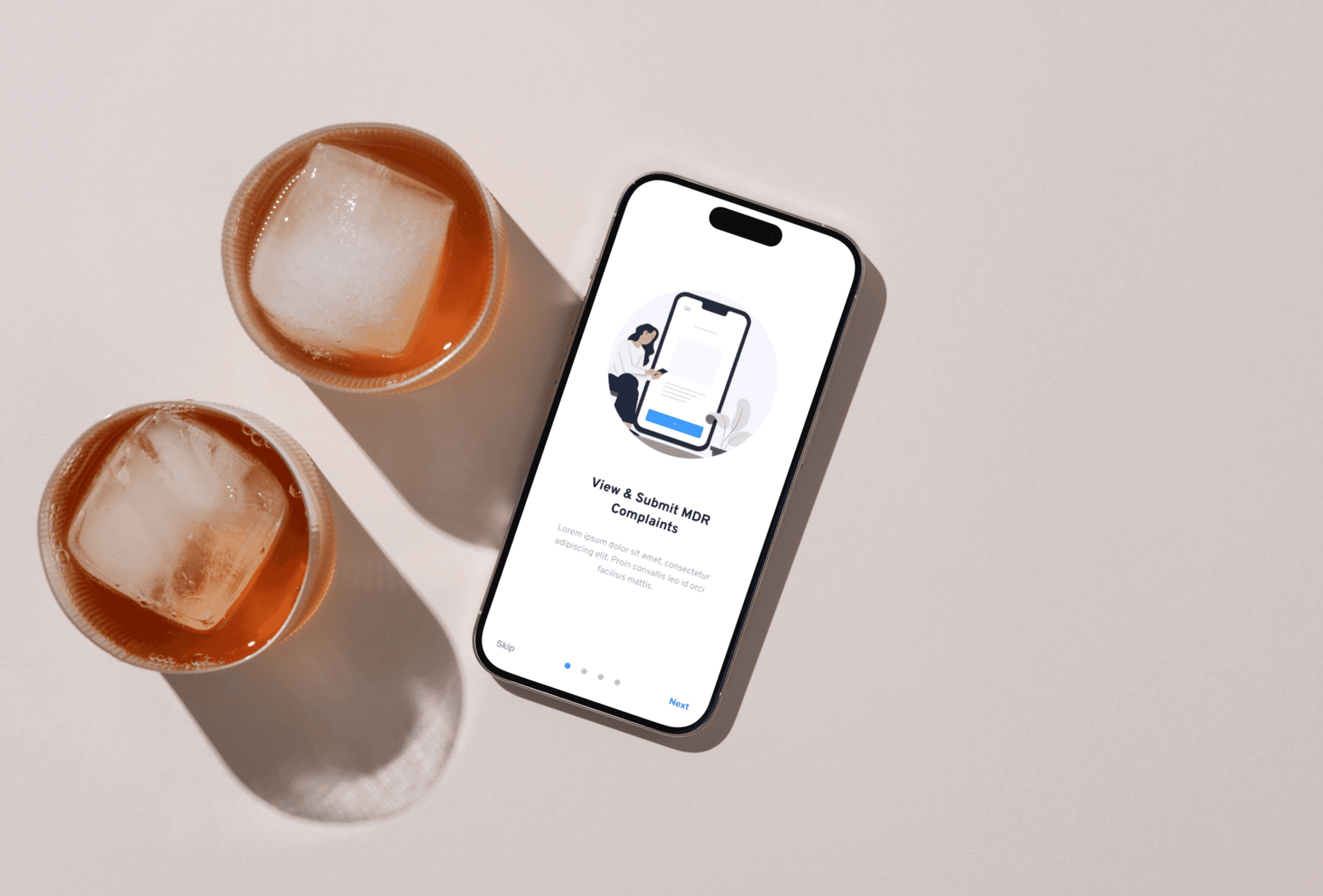
I designed and developed Smart Complaints Mobile, a mobile-first app enabling on-site submission and real-time tracking of complaints from hospital floors, manufacturing facilities, and inspection zones.
The app transforms long, desktop-only forms into guided mobile flows, with fast input, large touch areas, offline-safe interactions, and simplified navigation built specifically for field environments.
The Problem
❌ Before Smart Complaints (Desktop-Only Workflow)
No mobile submission method
Complaint filing delayed by hours or days
Desktop web app unusable on small screens
Long forms caused incomplete or inaccurate submissions
Users had poor visibility into their open complaints
❗ Core Pain Points
Field teams needed a fast, guided workflow
Only part of the desktop form made sense for mobile
Users wanted minimal typing and clear hierarchy
The app needed to handle low-signal environments
Complaints needed to be accurate enough for MDR review
❗ Business Impact
Slower reporting → higher regulatory/compliance risk
Low adoption of reporting tools
Complaints left unfiled during inspections
QA teams lacked real-time data
Users / Audience
Field quality inspectors
Customer support teams
QA specialists
Complaint handlers
Managers tracking complaint status
User Needs
Submit complaints in under 2 minutes
Scan open complaints quickly
Minimal fields, clear grouping
Guided input
Offline tolerance
Intuitive navigation
Goals
Reduce submission time by 40%+
Increase adoption among field teams
Improve complaint accuracy
Make MDR workflows intuitive on mobile
Provide fast access to complaint history
Keep navigation predictable and lightweight
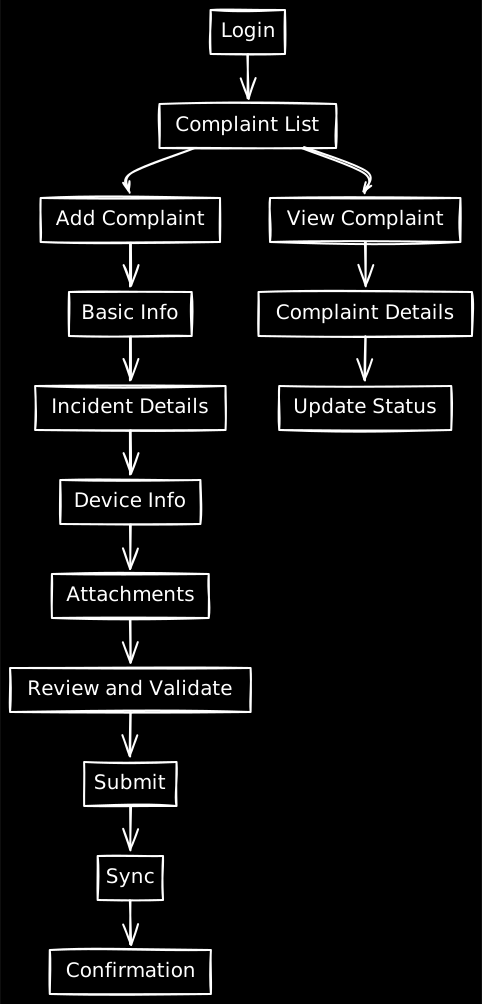
⭐ Architecture Overview (Mobile App Structure)
(This is what your diagram will reflect.)
1. Mobile Navigation (Bottom Tabs)
Complaints
New Complaint
Notifications
Profile
2. Complaint Form Engine
Progressive disclosure
Required fields grouped logically
Large inputs + touch targets
Inline validation
Offline-safe drafts
3. Complaint List
Card layout
Status tags
Quick metadata for scanning
4. Complaint Detail
Timeline of updates
Attachments (images, notes)
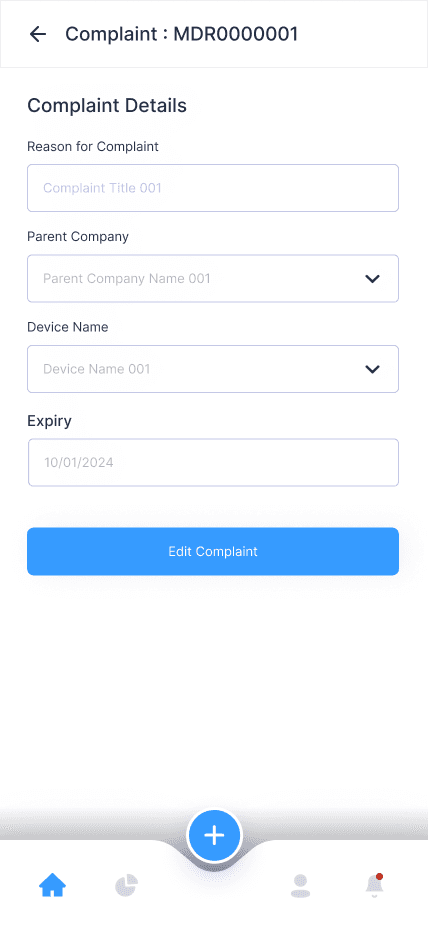
Edit & resubmit
5. Authentication & Sync
Login / Signup
JWT-based session handling
Sync settings
Local caching for poor connectivity
Process
1. Research
Reviewed FDA MDR reporting structure
Interviews with field QA teams
Studied pain points with the desktop form
Key insights:
Mobile users need dramatically simplified flows
Forms should be broken into steps
Navigation should be minimal
Don’t overload the screen
2. Early UX Direction
Single column layout
Big buttons & generous spacing
Card-style complaint list
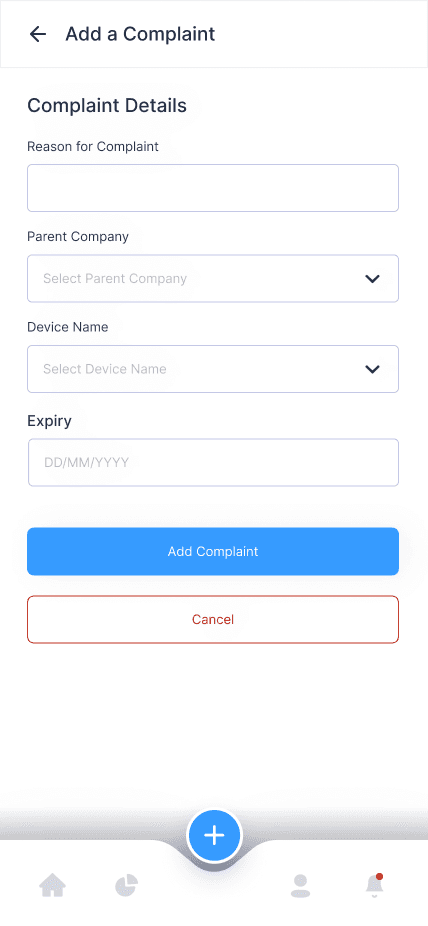
Step-by-step Add Complaint flow
Confirmation + saved states
3. High Fidelity UI
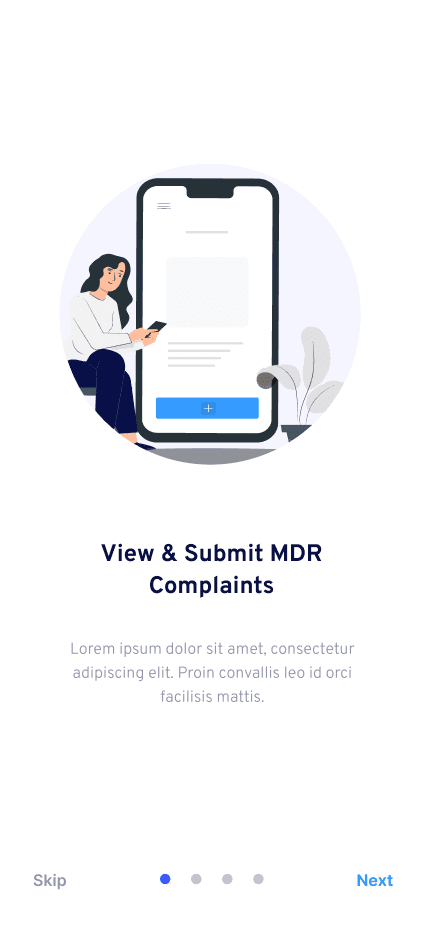
Onboarding
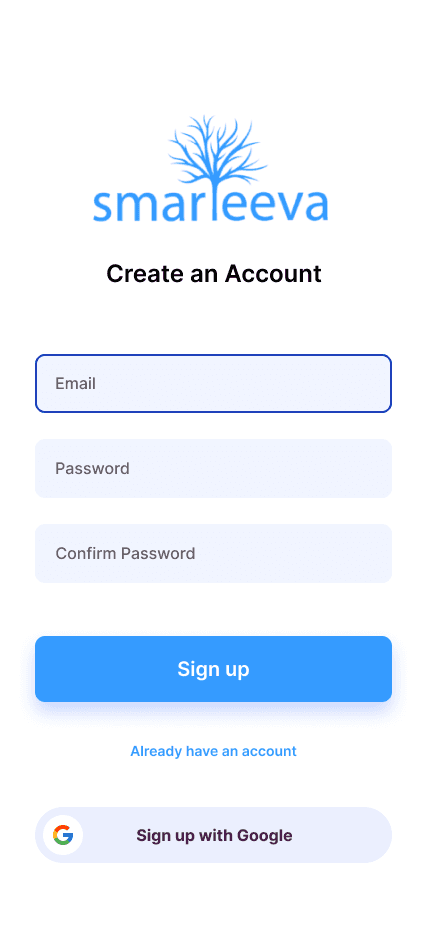
Login / Signup
Complaint List
Complaint Detail
Add Complaint
Offline-safe modes
Notifications
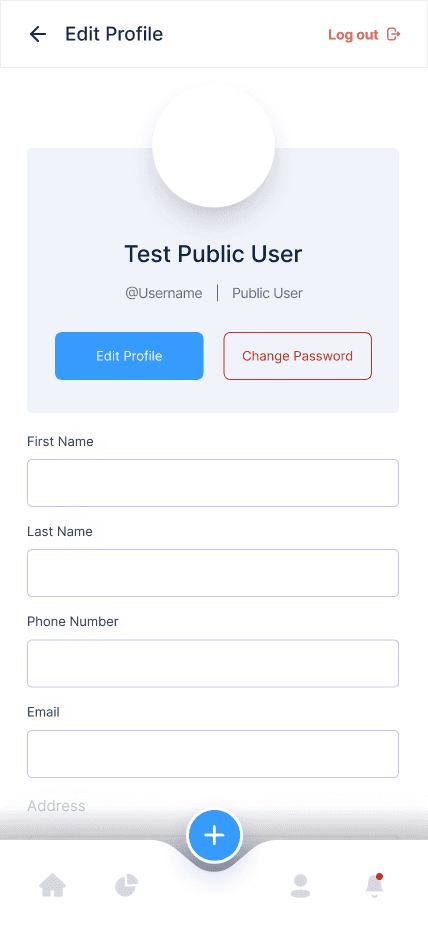
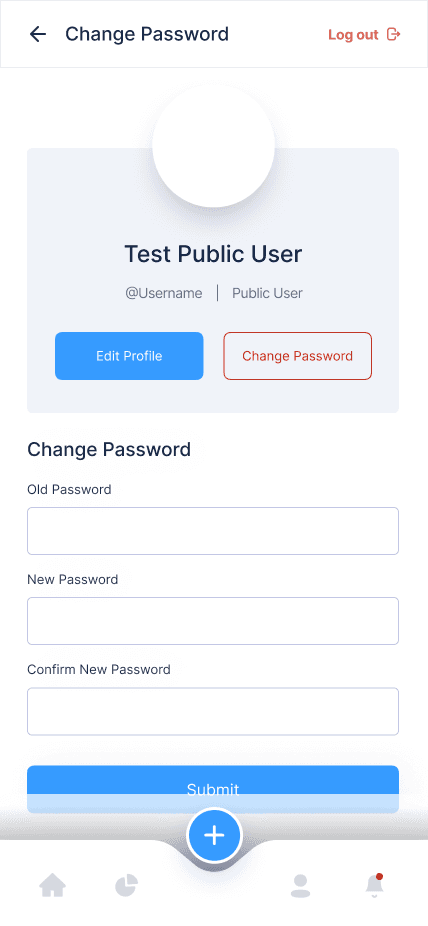
Profile & Settings
4. Interaction Design
Smooth transitions
Keyboard-safe layout
Clear success & error states
Inline validation
Save-as-draft
Impact
Quantitative
Submission time: 6–9 mins → ~2 mins
Adoption significantly increased among field teams
Complaint accuracy improved due to guided grouping
Reduced backlog of unfiled complaints
Qualitative
“Finally possible to submit complaints in the field.”
“Much easier than the desktop version.”
“Clear, intuitive, fast.”
Challenges
Maintaining MDR compliance on mobile
Simplifying complex flows without losing required fields
Designing for low-signal environments
Managing performance vs animation smoothness
Avoiding scope creep from desktop workflows
Reflection
This project strengthened my ability to adapt complex, regulated enterprise workflows into clean, mobile-first experiences. I learned how to:
Prioritize clarity & speed under field constraints
Use progressive disclosure to reduce cognitive load
Create high-trust mobile data entry flows
Balance accuracy, simplicity, and compliance
Design cross-platform experiences for regulated environments
Screens
Hero Screens
Core Flow

Account & Utility


Flowchart